Warm Corner: a café site, from HTML to a WordPress admin
A small site we wrote ourselves: three pages and a settings page, marked up with ThemeForge attributes. Here is what went in, what came out and what the first build taught us.
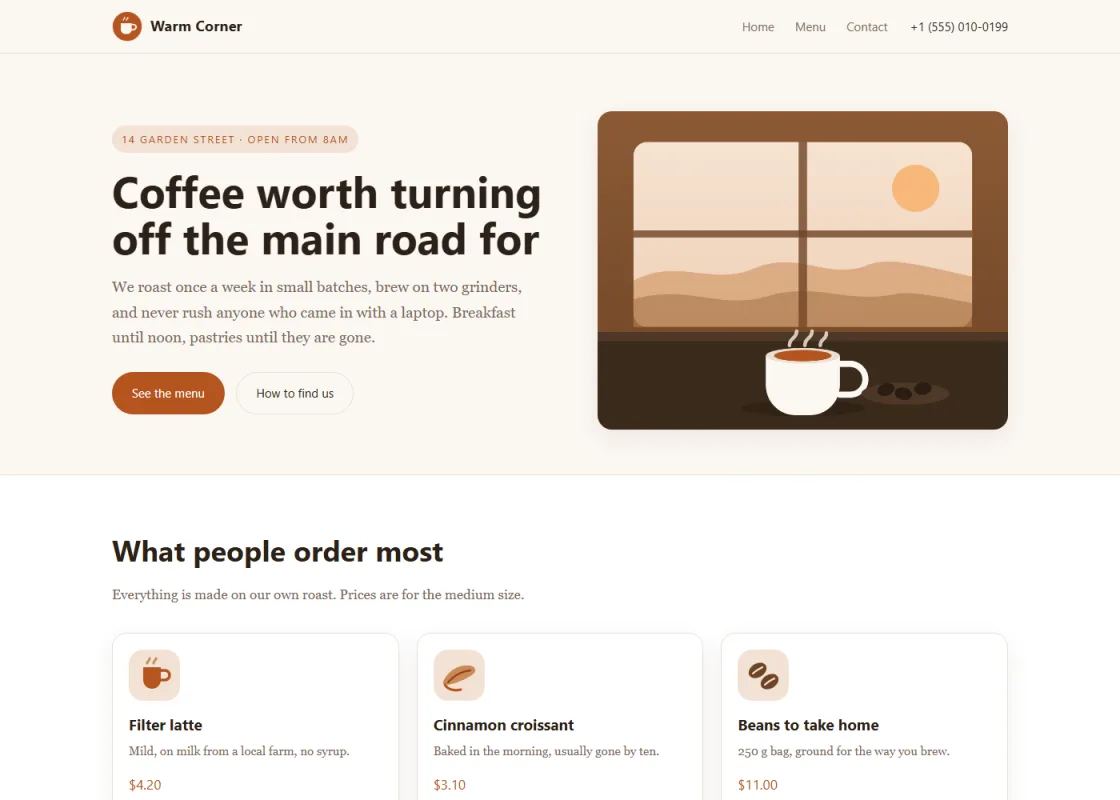
3 pages (home, menu, contacts) and a settings page for the header and footer became 4 field groups with 53 fields, 3 of them lists: the featured cards, the drinks and the kitchen. The client edits all of it in the WordPress admin; the design does not change.
Which attribute went where
| Attribute | Where, and what it becomes in the admin |
|---|---|
wp-fields-group | On the <body> of every page: the name of the page’s field group |
fld-text | Headings, captions, prices: plain text fields |
fld-area | Lead paragraphs: multi-line text |
fld-editor | The “About us” block: a visual editor |
fld-image | The hero picture and the card icons: images |
fld-loop | Featured cards, drinks, kitchen: lists where the client adds and reorders rows |
fld-link | Buttons: a link with its text |
opt-text, opt-area, opt-image | Header, footer and theme-options.html: site-wide settings, one set for every page |
wp-menu | The navigation: a WordPress menu instead of a fixed list |
A café menu, from markup to admin
Point at a line of markup to see the field it becomes.
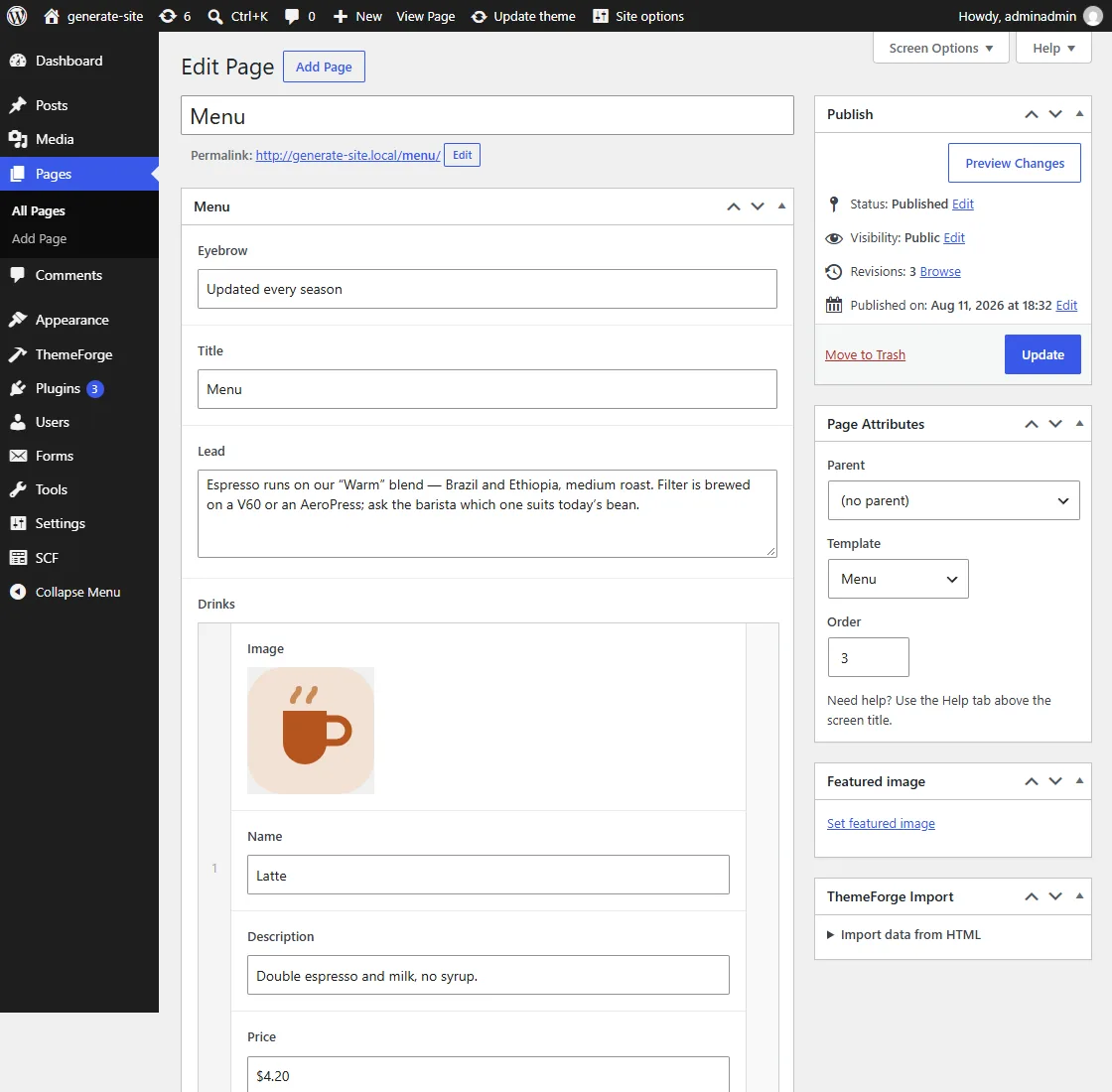
<body wp-fields-group="Menu"> <h2 fld-text="Title">Menu</h2> <p fld-area="Lead">Espresso runs on our…</p> <div class="cards" fld-loop="Drinks"> <article class="card"> <img fld-image="Image" src="assets/icon-latte.png"> <h3 fld-text="Name">Latte</h3> <p fld-text="Description">Double espresso…</p> <span fld-text="Price">$4.20</span> </article> …three more cards, marked the same way </div>
Warm Corner, our demo site: 3 pages and a settings page → 4 field groups, 53 fields, 3 lists. The client adds, removes and reorders rows; the design does not change.
What the client opens in WordPress
Screens of our test site after the build and “Load data”: the fields come from the attributes, the values from the HTML.
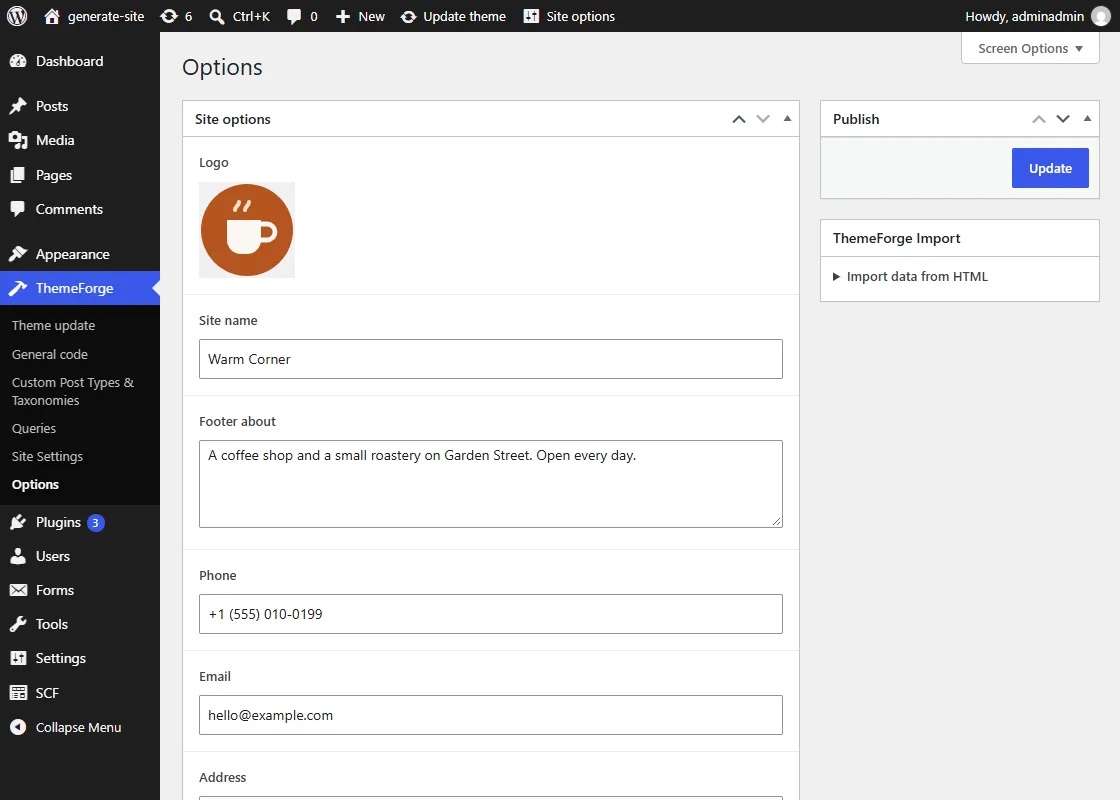
theme-options.html: one value for the header and footer of every page.What the first build made us fix
Fields without names
We first wrote fld-text without a name. All unnamed fields of one type merged into one, and the build log reported 10 collisions on the home page. With names, zero.
SVG images in image fields
WordPress does not accept SVG into the media library, so a picture bound to a field must be a raster image. We kept the SVG sources and pointed the markup at PNG copies.
A group inside a list
A list row is already a group of fields. An extra fld-group inside fld-loop gave every row an empty sub-group and the site showed empty cards. Every card of the list needs the attributes, not just the first one.
Do the same with your site
- Step 1
Mark it up
By hand, in Webflow, or with an assistant that has read themeforge.pro/ai.
- Step 2
Check it
The free markup check catches unnamed fields and the other mistakes above before you build.
- Step 3
Preview the admin
Build the theme and open its WordPress admin in the browser, free.